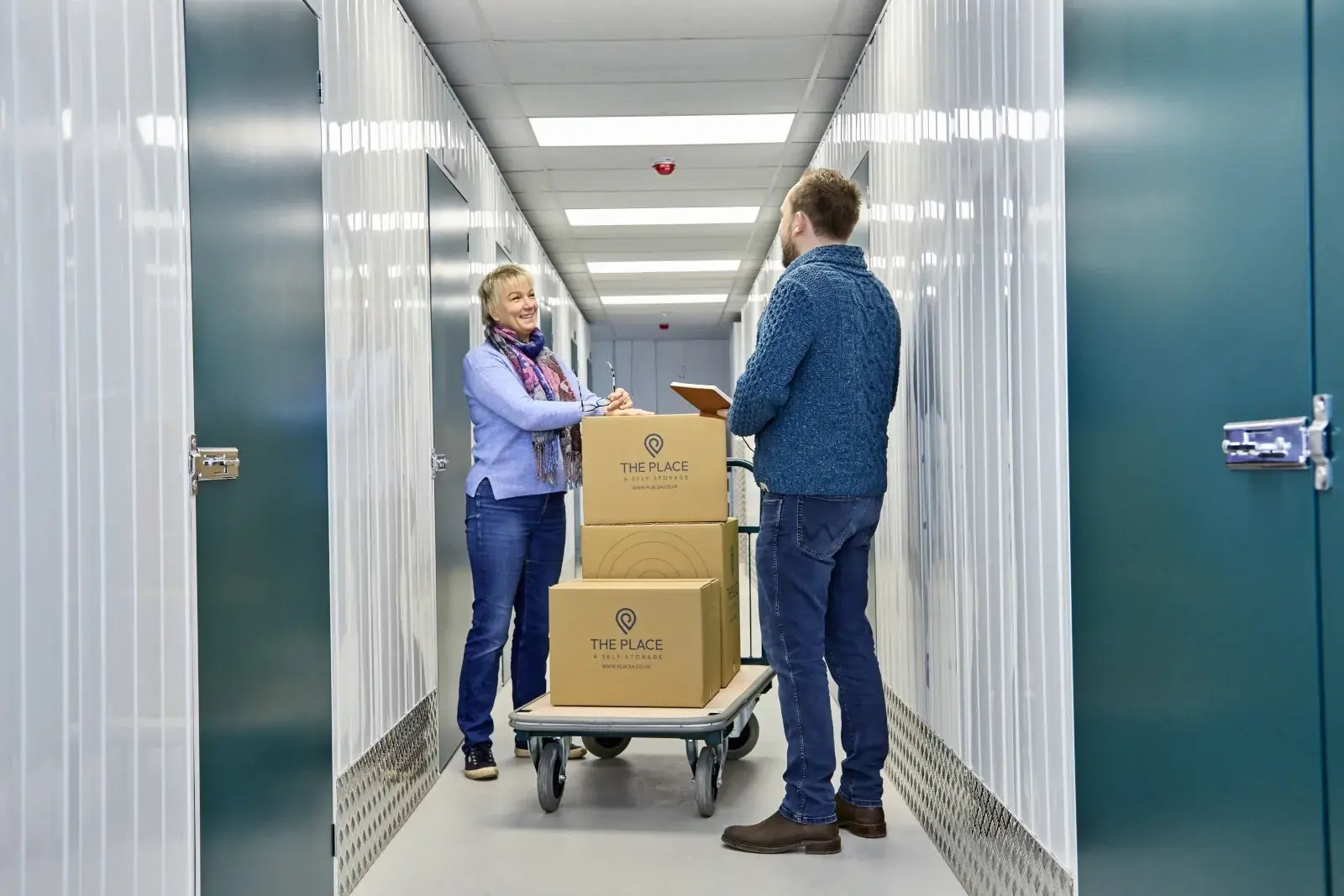
Moving into your storage unit
Moving in outside office hours? No problem. Our customers can access their unit outside of office hours, so you can move your belongings in at a time that works for you.
Before you arrive, there are a few things to know:
- Check your location's access hours before you visit. These vary between our facilities and can be found on your local location page.
- Your unit will be left unlocked for you on your move-in date.
- You'll need your own padlock to secure your unit once you've finished moving in. If you'd like us to provide a padlock or other merchandise, let us know in advance. If you're moving in outside office hours, we can leave your items inside your unit ready for you.
Padlocks
Padlocks can be purchased in store or through our online box shop:
- Steel Key Padlock - £7
- Brass Key Padlock - £9
- Brass Combination Padlock - £11.50
Accessing the facility
Your access PIN can be found in your welcome email.
To use your PIN:
Press * (star), enter your PIN, then press # (hash).
Your PIN will work on any of the yellow keypad boxes around the facility. These are located:
- At the car park vehicle barrier
- At the roller shutter, both inside and outside
- By the entrance door next to the roller shutter
Getting into the storage area
You can enter the storage area through either:
- The roller shutter, or
- The door immediately to the right of the roller shutter.
The car park vehicle barrier may be down when our offices are closed. Simply use your PIN on the yellow keypad to open it.
When leaving the car park, the vehicle barrier will open automatically as you drive up to it, so you don't need to use your PIN.
Storage Genie App
The Storage Genie app makes accessing The Place a little easier. Once set up, you can use the app to open access points from your phone rather than entering your PIN every time.
The app can be downloaded from your phone's app store.
Setting up the Storage Genie app
- Open the Storage Genie app.
- When asked for a SmartCode, close this window — The Place does not issue a SmartCode.
- Press Get Started.
- Search for The Place 4 Self Storage.
- Add your branch using the + (plus) button.
- Enter your surname or company name if you're storing as a business.
- Enter your unit number.
- Enter your PIN code.
- Press the small save icon in the top-right corner.
Once set up, select your facility in the app. When you're close to a yellow keypad box, simply press Open to gain access.
Please be patient when using the app - it can take a few seconds for your phone to establish the Bluetooth connection.
If you have trouble setting up the app, you can still use your PIN to access the facility. If you need further help, please come to the office during opening hours and a member of the team will be happy to assist.
Finding your storage unit
If you're not sure where your unit is, you'll find floor plans throughout the facility.
There is a floor plan on each floor by the lift, as well as at other points around the corridors. Use these to find your unit number and work out the best route.
Using the lift
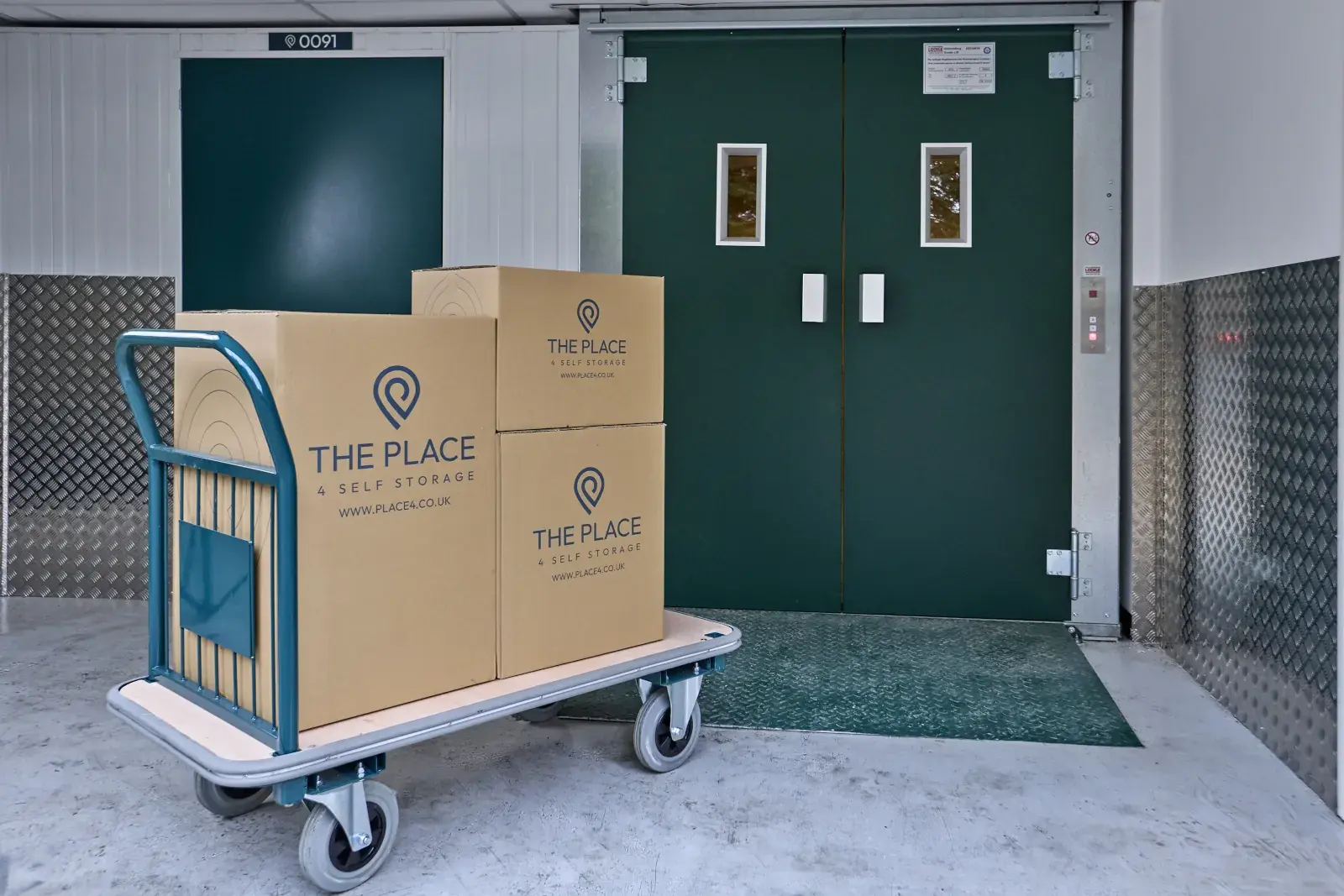
If your unit isn't on the ground floor, you'll find a large goods lift just inside the roller shutter entrance.
To operate the lift, press and hold the button for the direction you want to travel until the lift stops on its own.
Trolleys and pallet trucks
Trolleys and pallet trucks are available for customers to use and are usually located just inside the roller shutter entrance.
You're welcome to use these to make moving your belongings in and out of your unit easier.
Customer toilets
Ladies' and gents' toilets are available on the ground floor towards the front of the building.
Having trouble accessing the facility?
If you're having trouble getting into the facility, there are a few things you can check first.
The entrance gate won't open
- Check that you're using the correct PIN.
- Make sure you're entering the PIN correctly: * + PIN + #.
- Try using the yellow keypad box again.
- If you're using the Storage Genie app, make sure you're close to the keypad and allow a few seconds for the Bluetooth connection.
If you're still unable to gain access, please use the relevant out-of-hours contact information below.
The roller shutter isn't opening
The roller shutter closes automatically after 30 seconds of inactivity as part of our security measures.
If you're having trouble opening it:
- Check that you're using the correct PIN.
- Make sure you've entered your PIN correctly.
- If you're using the Storage Genie app, move closer to the yellow keypad box and wait a few seconds for the Bluetooth connection.
- Check that nothing is obstructing the door.
Please do not attempt to force, manually operate or interfere with the roller shutter.
The roller shutter closes while I'm inside
Don't worry - you can still exit the facility!
Use your PIN on the yellow keypad box inside the roller shutter, or press the green button on the post underneath the keypad.
Leaving the facility
Please make sure you leave the facility promptly by the end of your location's access hours. Access hours vary by location, so please check your local location page before visiting.
The facility is monitored 24 hours a day. If you remain inside after the permitted access time, security will attend and you may be charged for a call-out.
Keeping The Place secure
For the security of everyone using The Place, please don't interfere with the roller shutter or any of the facility's security systems.
Please also be mindful of anyone entering the facility without using a PIN, particularly while the roller shutter is open.
If you see anything suspicious or are concerned that someone may not have permission to enter, please report it as a security issue to Evensure Management Ltd using the contact details below.
Vacating your unit
When you're ready to move out, please make sure your unit is:
- Completely empty
- Clean and tidy
- Unlocked
Once you've moved out, let us know by phone or email and confirm your move-out date.
Out-of-hours contact information
During our office hours, if you have any questions or concerns, please come to the office and speak to a member of the team.
For emergencies, including medical emergencies, please call 999.
Security issues:
Evensure Management Ltd – 01483 456730
Other urgent issues:
01730 720990
Please only use the urgent out-of-hours number for issues that cannot wait until the office reopens. If there is no immediate answer, please leave a message and a member of the team will contact you as soon as they are able.